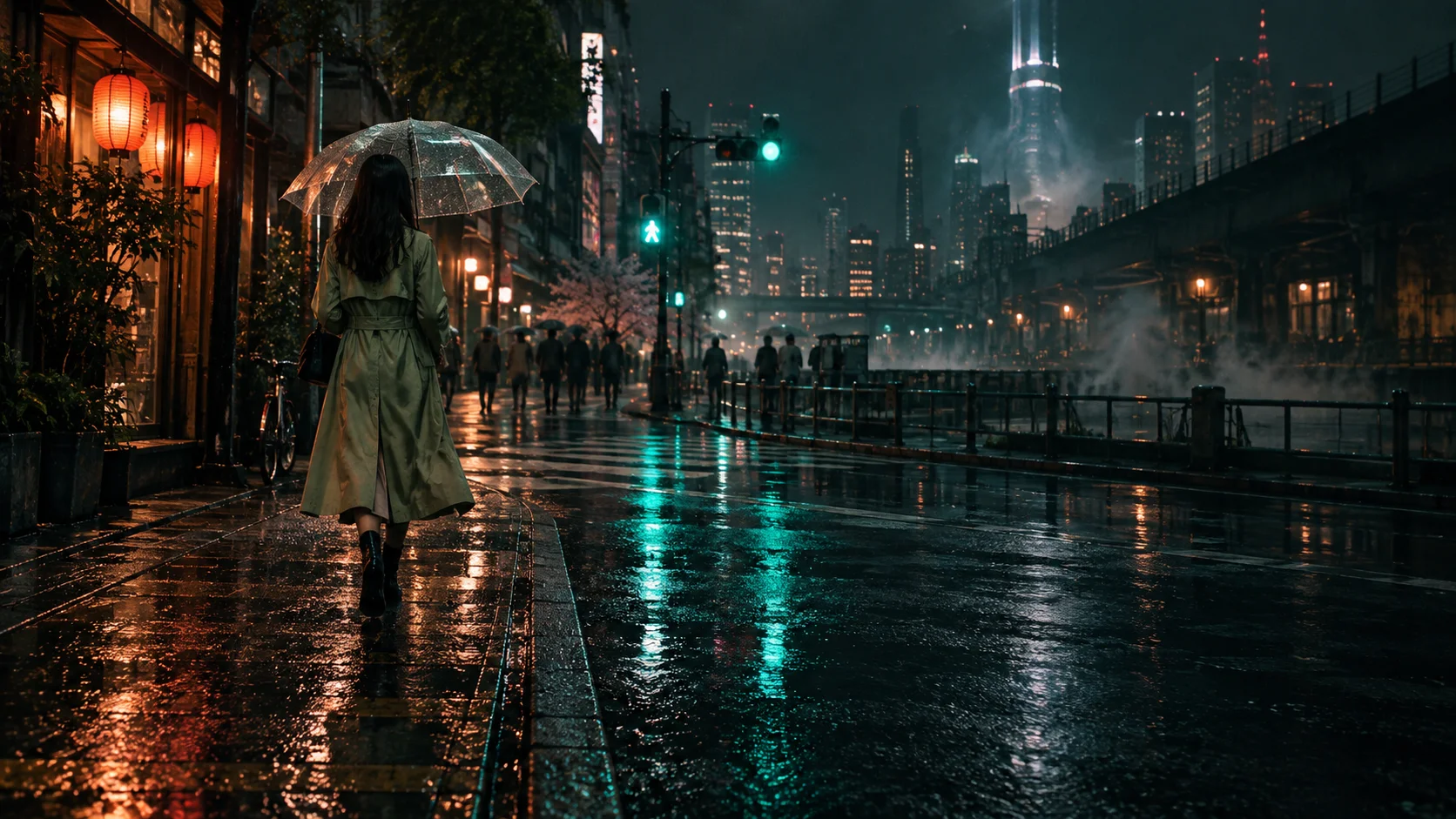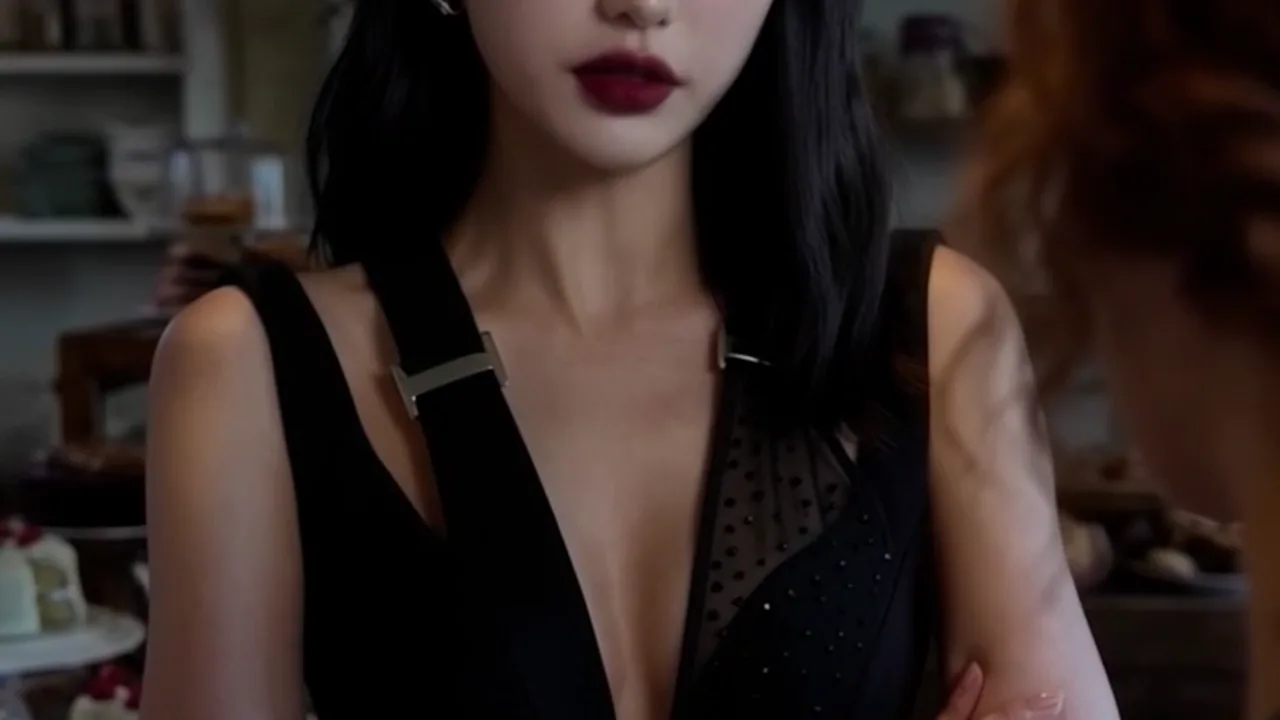

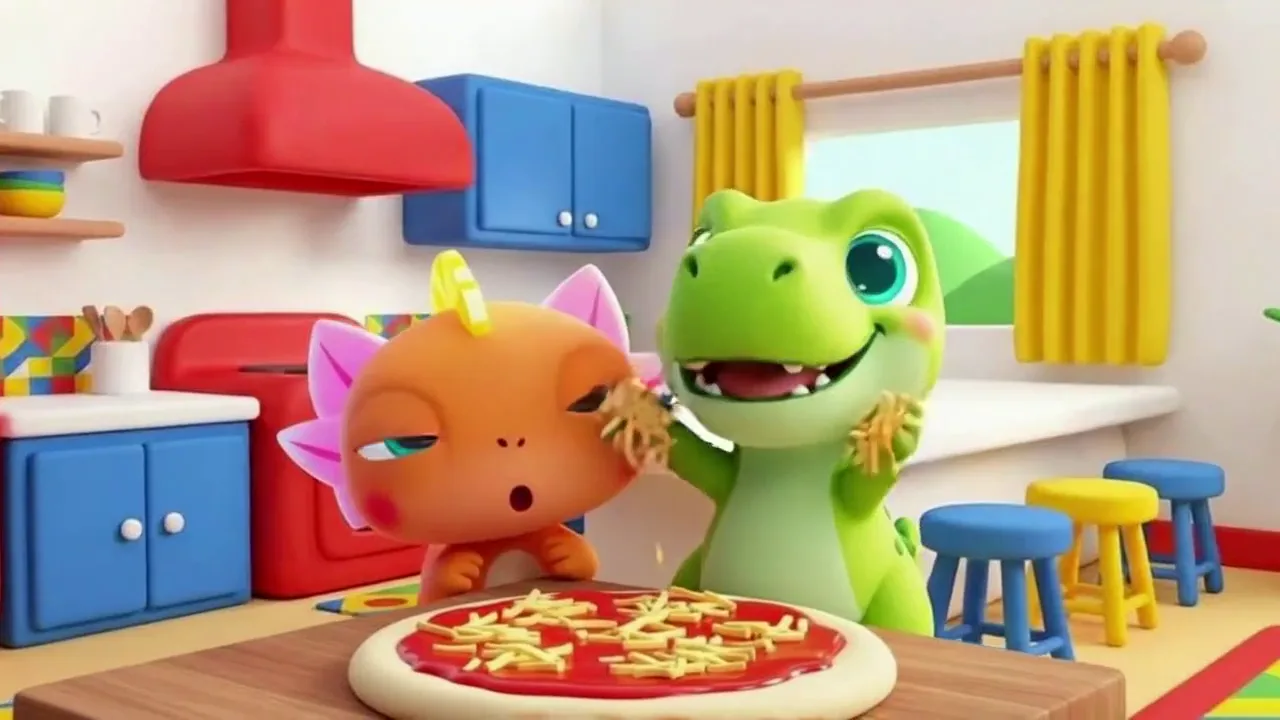

Character consistency
Flag unexpected changes in a character's appearance between shots.
Quality control for AI-generated video
Find visual glitches, continuity mistakes, and playback problems before you publish. Review flagged moments with the original frames, then decide what needs fixing.
Try Standard on a video up to 20 seconds. No credit card needed.

Examples of visual issues. Your report keeps the review simple: what was flagged, when it appears, and the supporting frames.
Flag unexpected changes in a character's appearance between shots.
Look for clothing, jewelry, and accessories that change or disappear between shots.
Spot garbled words and distorted letters on signs, menus, and labels.
Catch bodies and objects that pass through each other instead of touching.
Scenes with close physical contact? Consider Max's deeper interaction review.
Find props that disappear from a hand or appear out of nowhere between shots.
Visual analysis and playback checks work together to find moments worth reviewing.
Artlint examines selected frames and compares details across moments for potential glitches and continuity changes.
Technical checks look for flicker, frozen or black frames, and audio-level problems.
Findings point to moments in your video and supporting frames. Reports also show checks that were skipped or couldn't be completed.
Some issues can be missed, and intentional effects can be flagged. You make the final creative decision.
Read about the checks and their limitsAllow several minutes for a check. Longer videos or more details to verify can take longer.
Select the clip you want to review.
Choose Standard or Max and see the credit charge before you start.
Inspect the supporting frames and decide what needs attention.
Check for visual glitches, continuity changes, and playback problems before you publish.
Useful for social clips, ads, and a final check before publishing.
1 credit per second
10-second minimum per video (10 credits)
Minimum per video: $0.17
Everything in Standard, with deeper inspection of how people and objects move and interact.
Useful for action shots, product handling, and scenes with close physical contact.
5 credits per second
30-second minimum per video (150 credits)
Minimum per video: $2.50
Use Standard for general checks. Choose Max when movement and physical contact are central to the shot.
Artlint looks for visual glitches, continuity changes, and technical faults. That includes visual distortions, objects that change shape, appear, or disappear, garbled text, and changes to characters, outfits, props, and locations across shots. It also checks for issues such as flicker, black or frozen frames, and audio levels. Lip-sync checking is not available yet. Standard checks visual quality, continuity, and playback. Max includes Standard, with deeper review of motion and physical interactions.
With Artlint's $10 credit pack, a one-minute video costs $1 in Standard or $5 in Max. These are USD equivalents from 600 credits for $10. Standard uses 1 credit per second, at least 10 credits per video. Max uses 5 credits per second, at least 150 credits per video. A 22-second clip uses 22 credits in Standard or 150 in Max. Larger packs and fully used monthly allowances can lower the dollar equivalent. Artlint shows the credit charge before you start. View pricing.
Allow several minutes for a check. Longer videos or more details to verify can take longer. A roughly one-minute video generally takes about 4–6 minutes to check, though some checks can take over 10 minutes. Timing varies with video length, the number of scenes and details to verify, the analysis level, and current demand.
No. Artlint flags potential issues for review. You decide what to change in your editing or generation workflow.
No. Artlint is not an AI detector and does not try to be. Artlint checks video quality, not how a video was made. It can flag glitches that often appear in AI-generated video, but finding a glitch, or finding none, is not proof that a video is or isn't AI-generated. When a file carries its own origin metadata, such as C2PA Content Credentials, Artlint shows a summary of what that metadata declares, and nothing more. Data & privacy describes what that summary includes.
No. Artlint can miss problems or flag intentional effects. Review the evidence and make the final creative decision yourself. Each report also shows checks that were skipped, unavailable, or incomplete, so a part of the video that was not assessed is not mistaken for a clean result.
Check your project's confidentiality requirements before uploading. Some checks send media to external AI providers. Review Data & privacy and contact Artlint before uploading if your client requires specific confidentiality, retention, or processing-location terms.
Upload a clip, review the flagged moments, and decide what to fix.